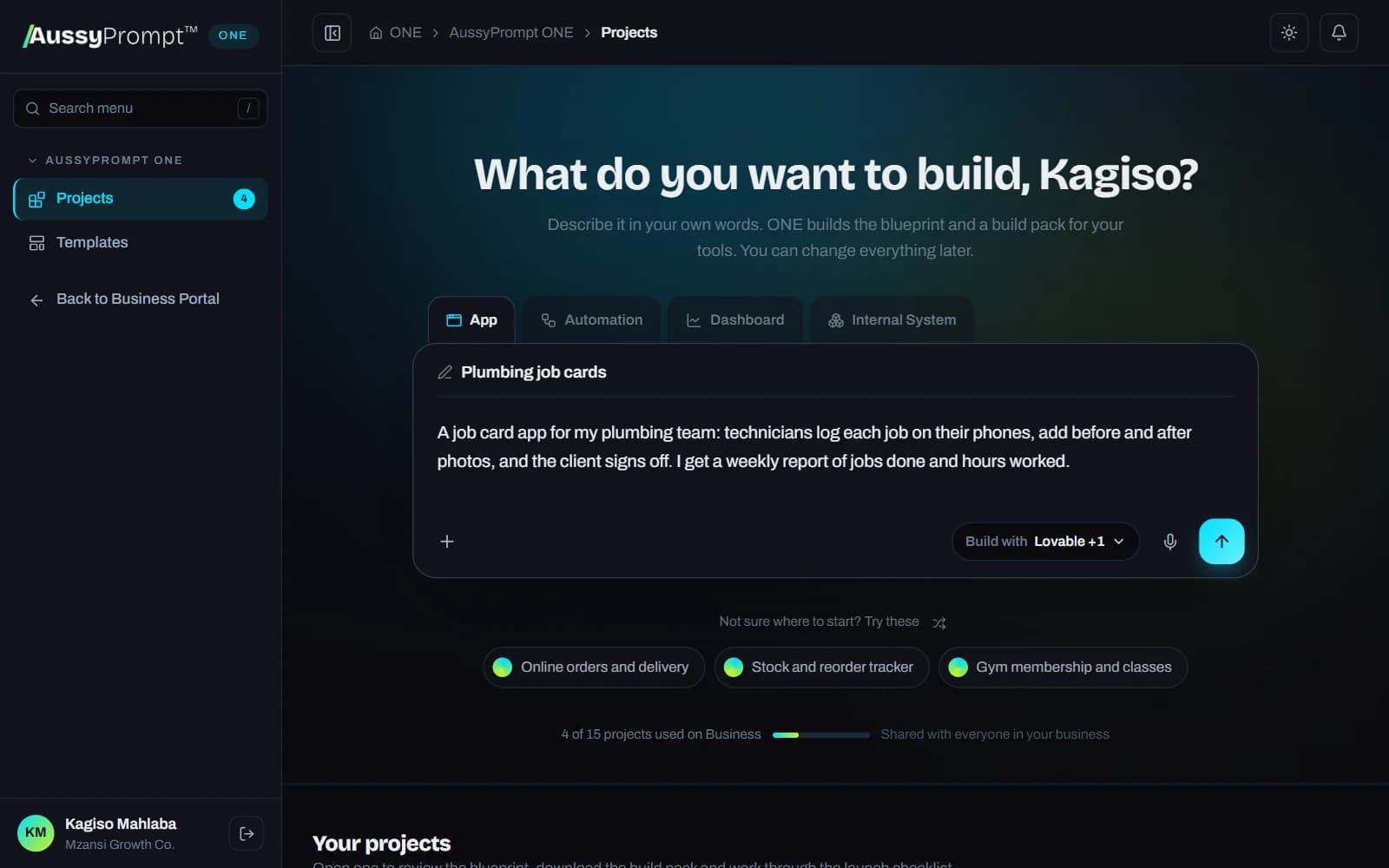
Describe it once, in your own language. ONE builds the blueprint, checks its own work and writes the build pack your vibe coding tools understand: Lovable, Cursor, Claude Code, Supabase, n8n and more. Stop burning credits prompting again and again.
Write it in your language, or mix them. English · isiZulu · isiXhosa · Afrikaans · Sesotho · Setswana · Sepedi · Xitsonga · siSwati · Tshivenda · isiNdebele
Checks its own work You own everything it writes From R499 a month
Lovable
Bolt
v0
Cursor
Claude Code
Supabase
MySQL
n8n
Make
Zapier
Power Automate
Google Sheets
Excel
Looker Studio
Power BI
Lovable
Bolt
v0
Cursor
Claude Code
Supabase
MySQL
n8n
Make
Zapier
Power Automate
Google Sheets
Excel
Looker Studio
Power BI
Why ONE
Your tools build what you say, not what you mean
App builders and coding assistants guess at everything you leave out. Then you prompt again to fix it, and again, and your credits run out before the app is finished. ONE closes that gap before you spend a single credit.
One complete plan up front instead of dozens of fix-it prompts. Your tool builds it in the order it builds best.
Speaks their language
Build prompts, SQL and workflow files in the exact form Lovable, Cursor, Supabase and n8n understand, with your own table and field names.
Checked before you see it
ONE reviews its own blueprint against your brief and fixes what's missing, so your tool isn't left to guess.
What you can build
Five kinds of project, one workspace
Pick App, Automation, Dashboard, Internal System or Website, describe it in your own words, and ONE plans it around your own process, roles and data.
Automations
Follow-ups, reminders, approvals and hand-overs that run on a form, a new record, an email or a schedule.
Apps
Web apps for clients or staff with sign-in, roles, forms and records, on a real database.
Dashboards
KPIs, charts and tables from your own data, with a clear definition for every number.
Internal systems
Records, staff screens, permissions, automations and a management dashboard working together.
Websites
Business sites and landing pages with the pages, forms and calls to action that bring in enquiries, with SEO built in.
How it works
Four steps from one prompt to live
You describe it once. ONE does the engineering thinking. Your tools build it, and your team takes it live.
1. Describe it once
Type or say what you need, in any South African language, name the project and pick your tools. Or start from a template, a Playground result or an app you X-ray.
2. The blueprint
ONE maps out every role, table, screen, automation and KPI, checks its own work and lists its questions instead of guessing.
3. The build pack
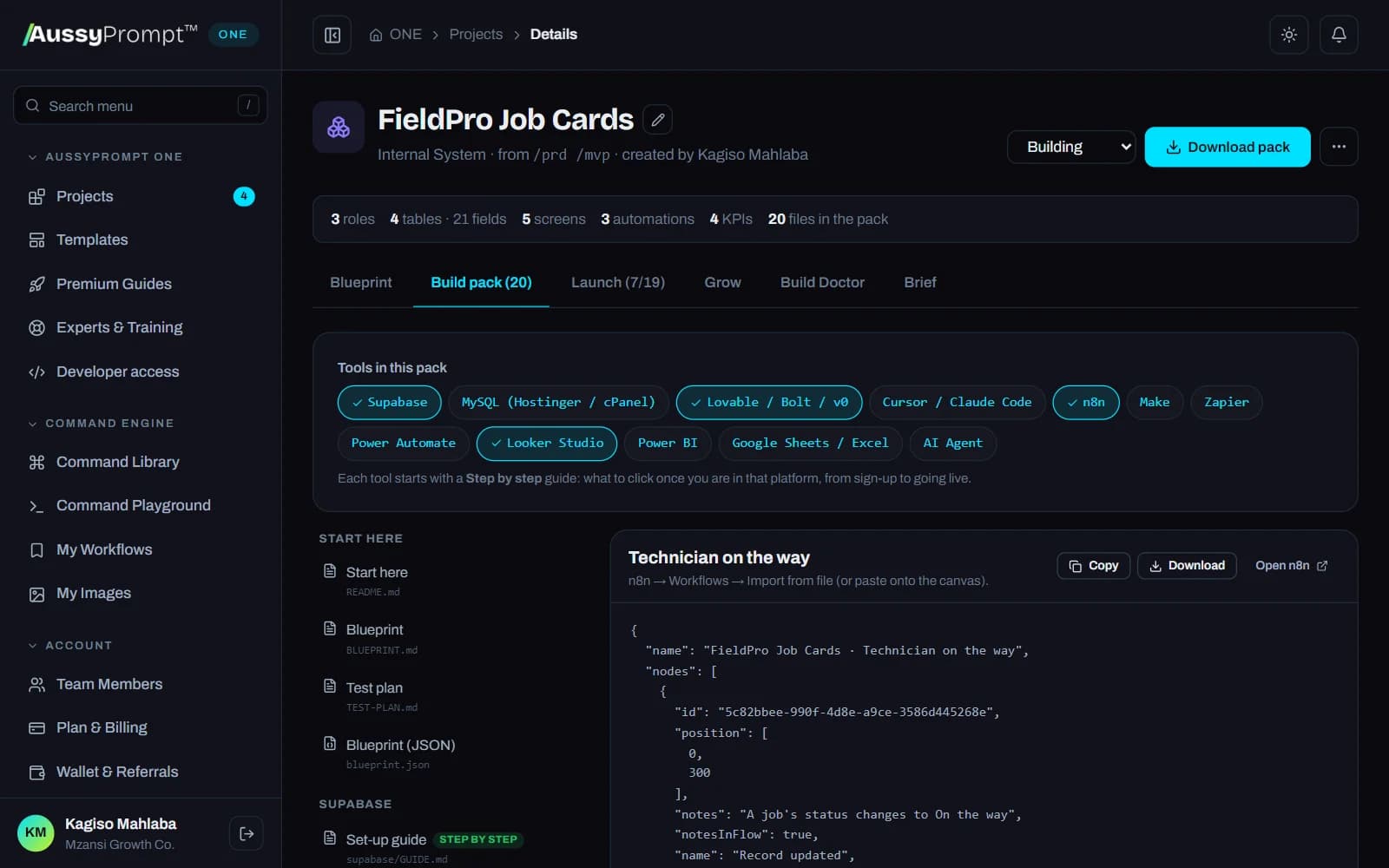
Files in each tool's own language, with the order to build them in. Copy, download or take the whole pack as a .zip.
4. Launch together
A shared checklist and test plan take your whole team, step by step, all the way to live.
Describe it once
Say what you want to build the way you'd explain it to a colleague. No prompt engineering and no technical words: ONE works out the rest and asks about what it can't assume.
Choose App, Automation, Dashboard, Internal System or Website
Type it or dictate it, and give the project a name
Start from a template, a Command Playground result such as /prd, or an app you X-ray
Choose the tools you build with: Lovable, Cursor, Supabase, n8n and more
aussyprompt.com/one
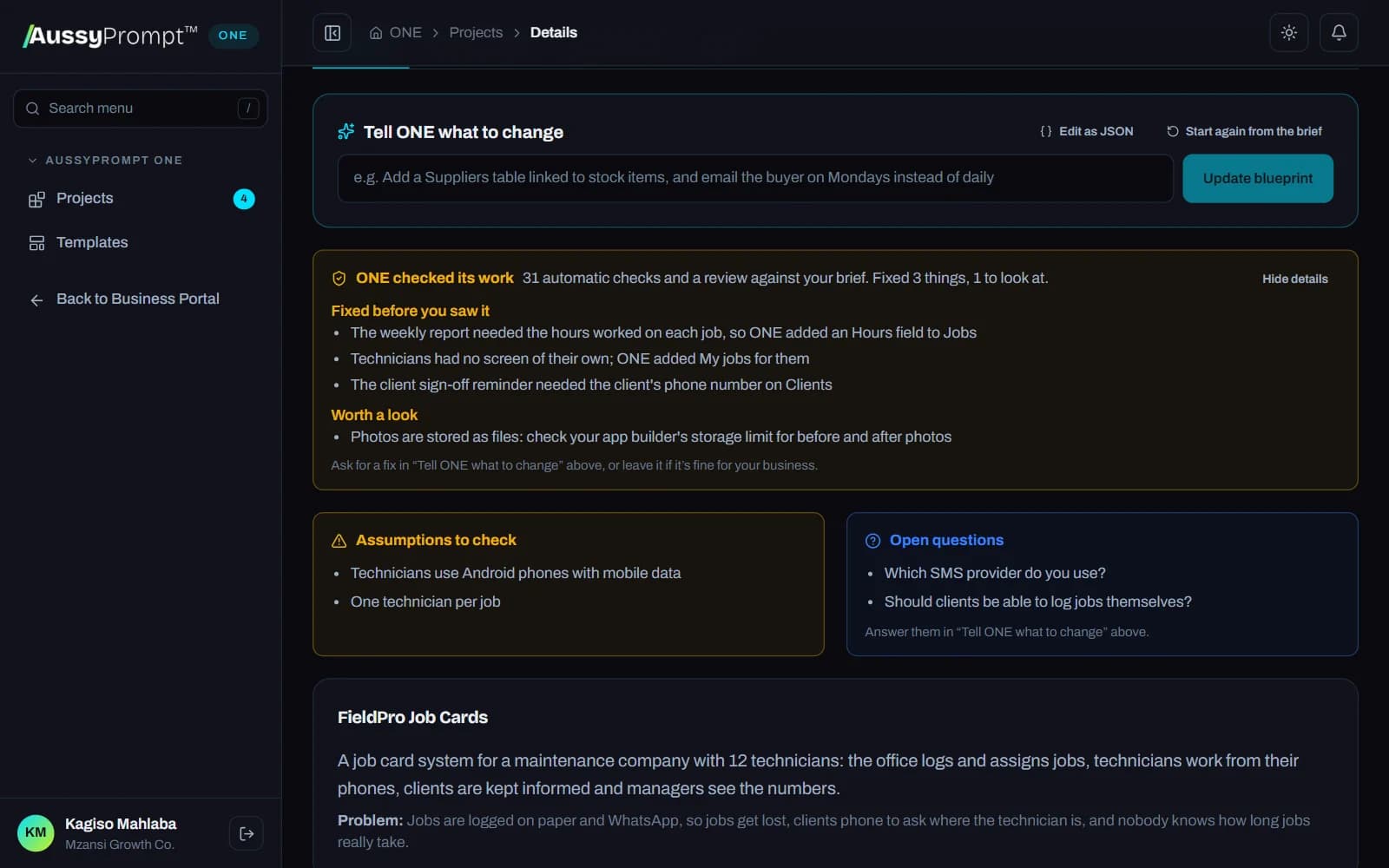
ONE checks its own work
Before you see a blueprint, ONE runs its checks and reviews the blueprint against your brief. It fixes what's missing or doesn't fit, then tells you what it fixed and what's worth a look.
Every screen belongs to a real role, and every role has somewhere to work
Every KPI uses a real field of the right type
Everything in your brief has a home, or is listed as a later phase
A fix is kept only when it passes the checks, so a good draft is never made worse
You don't need English or technical words to plan a system. Write the way you speak, spelling mistakes and SMS-style writing included. ONE works out what you mean and builds from that.
Voice works in English, isiZulu and Afrikaans, in browsers that support it. The other languages are typed.
Start from 48 ready-made templates
Hair salon bookings and walk-insSpaza shop stock and credit bookStreet vendor daily salesStokvel contributions and payoutsCar wash queue and cash controlJob card and technician systemMonthly sales dashboardNew client onboarding
Written for phones, cash and e-wallets, and WhatsApp, as well as for the office.
ONE speaks your language
A salon owner typed this in isiZulu, on a phone. Keep scrolling and watch each part of the message become part of the blueprint. Then ONE checks the plan and fixes what's missing, before anyone sees it.
I want an app for my salon. I have three stylists. Clients book with a link on WhatsApp, choose a service and a stylist, and pay a deposit for braids. Walk-ins go on today's list. They get a WhatsApp reminder the day before. At closing I see what each stylist made, cash and e-wallet. They mustn't have to open an account or have an email.
Based on ONE's hair salon template and shortened for this page. It works the same way in every South African language, and you can mix them.
Blueprint
Salon bookings and walk-ins
App · for Lovable and Supabase · example, shortened
Roles
Owner sees every booking, the day's takings and what each stylist earned
Front desk adds walk-ins and records deposits
Stylist sees only their own day and marks arrived, done or no-show
Client books from a link, with no account
Tables
services name · minutes · price_zar
stylists name · phone · active
clients name · phone required · whatsapp_ok
bookings client → clients · stylist → stylists · service → services · starts_at · status · source
payments booking → bookings · amount_zar · method · kind (deposit, balance) added by the check
Screens
Book a slot phone · public · no sign-in
Today's list front desk · walk-ins join here
My day stylist · phone
Closing owner · desktop
Automations
Booking added → WhatsApp confirmation with the date, time, service and price
Every day at 09:00 → find tomorrow's bookings → WhatsApp reminder
KPIs
Earned per stylist today sum of payments.amount_zar by stylist
Cash against e-wallet and card payments by method
Rules
Clients book without an account or an email address
Braids are held only once a deposit is paid
You own it
Everything runs in your own accounts. Open, standard files: SQL, JSON, CSV and Markdown. No lock-in.
No passwords in files
Credentials stay in each tool's secure store. ONE never asks for them and never writes them into a pack.
Secure and POPIA-aware
Row-level security on every table, role-based access, and a note on the personal information you store.
The build pack
Built for the tools you already use
Each file is written in the language its tool understands. Pick your tools and the pack updates instantly. Copy a file, download it, or take the whole pack as a .zip.
Lovable / Bolt / v0
Phased build prompts to paste, one step at a time
Supabase
Database tables, row-level security and KPI views in one SQL file
MySQL (Hostinger / cPanel)
Tables, links, roles and KPI views for phpMyAdmin, plus Hostinger setup
n8n
Workflow files you import in one click
Make
Scenario build guides, module by module
Zapier
Zap build guides, step by step
Power Automate
Flow guides for Outlook, Teams and Excel
Cursor / Claude Code
A full project spec and task list with acceptance criteria
Google Sheets / Excel
One CSV per table, drop-downs and a formula for every KPI
Looker Studio
Dashboard guide: data source, charts and filters
Power BI
DAX measures and a report layout
AI Agent
A read-only WhatsApp assistant that answers questions from your records
aussyprompt.com/one/projects
Premium Guides
Want to be walked through it? Follow a guide.
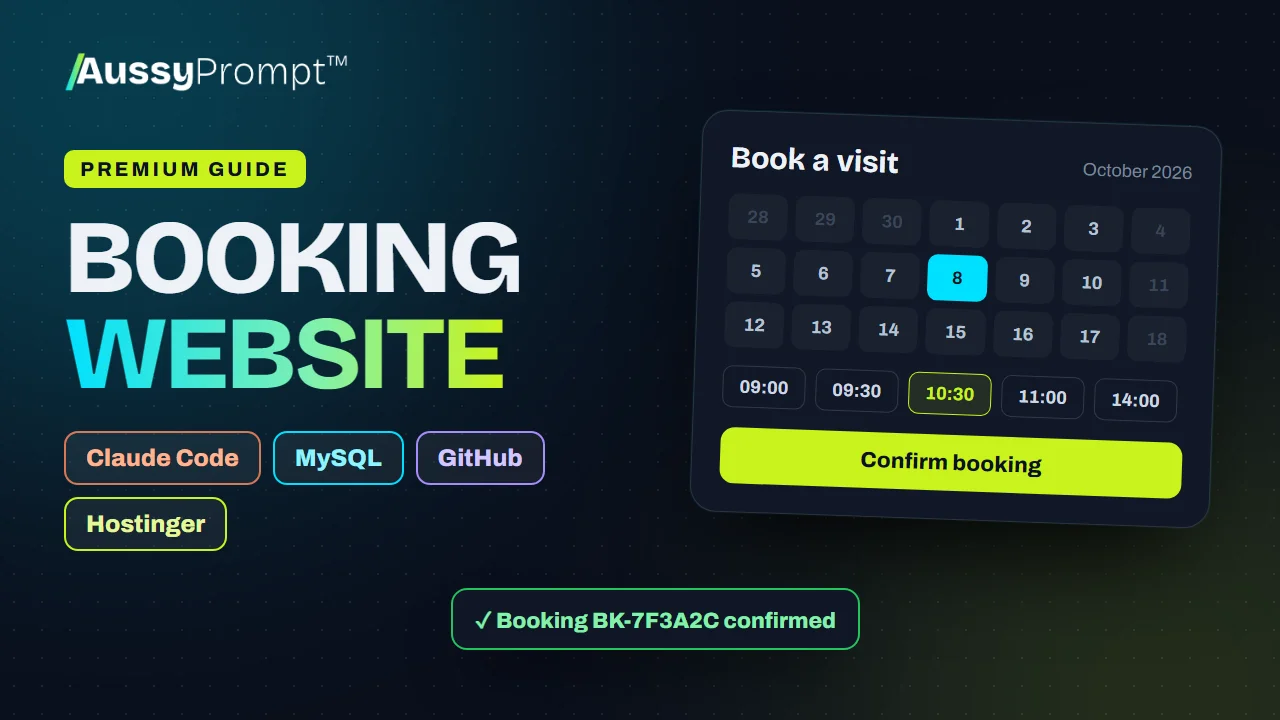
For common builds, our Premium Guides take you step by step with Claude Code, MySQL, GitHub and Hostinger, with the prompts ready to paste. Sold separately: buy a guide once and keep it for life.
Build a modern booking website with Claude Code, PHP and MySQL, keep it on GitHub, and deploy it to Hostinger, testing on the free temporary domain. Choose your niche, copy the prompts, take real bookings.
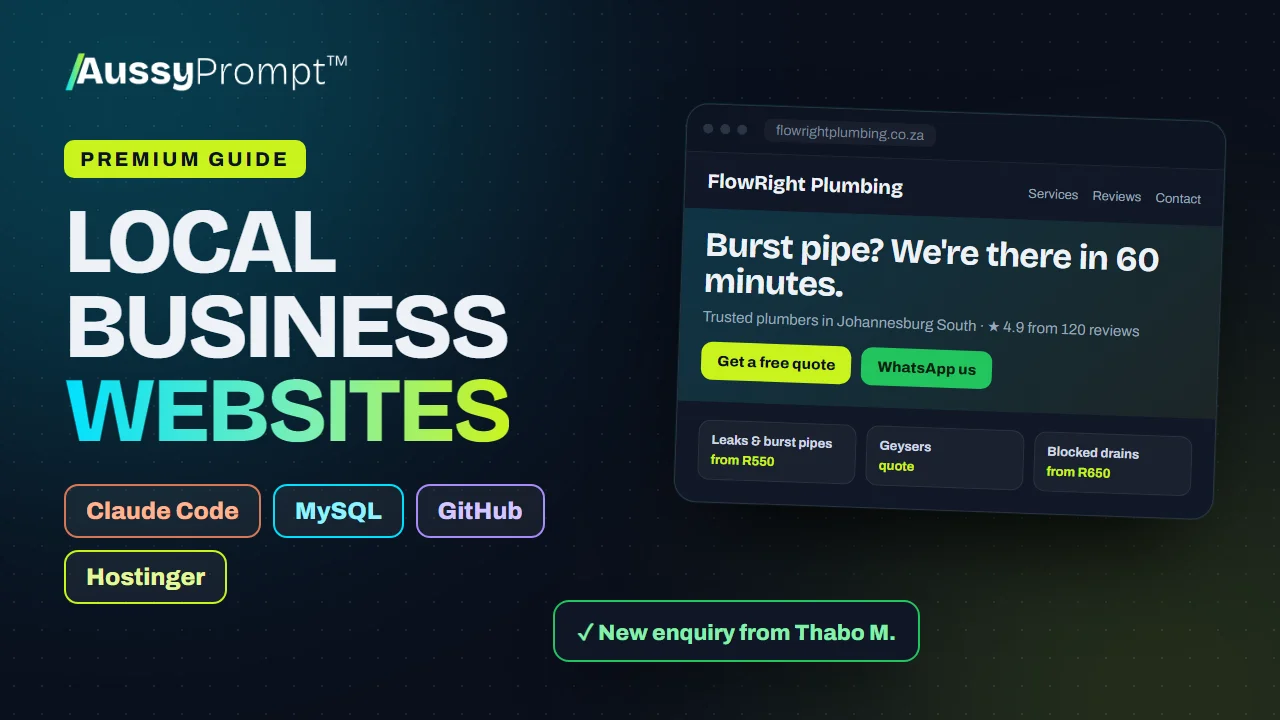
Build a multi-page website that turns visitors into enquiries for any local business, with a leads inbox and an admin area, keep it on GitHub and deploy it to Hostinger. Then get it found on Google and sell websites to local businesses.
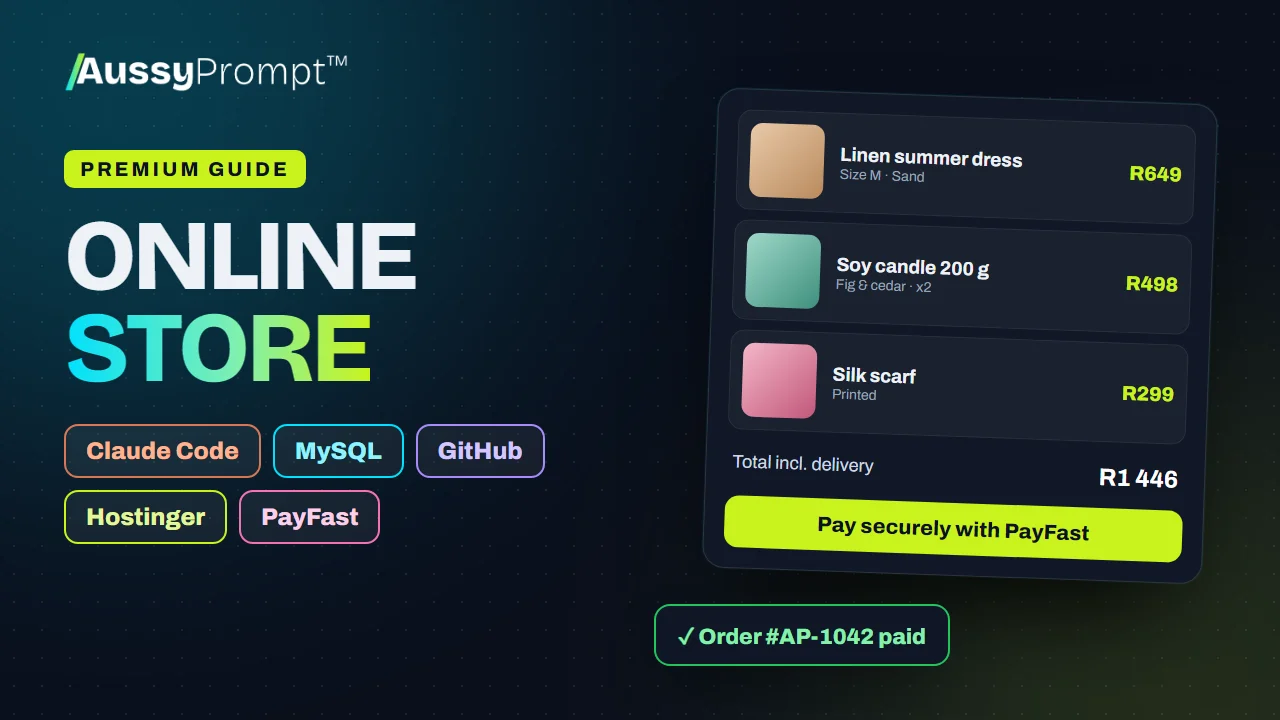
Build an online store that takes real payments with PayFast: products with options and stock, a cart and checkout, verified payment notifications, and an orders admin. Keep it on GitHub, deploy it to Hostinger, test with the PayFast sandbox, then go live.
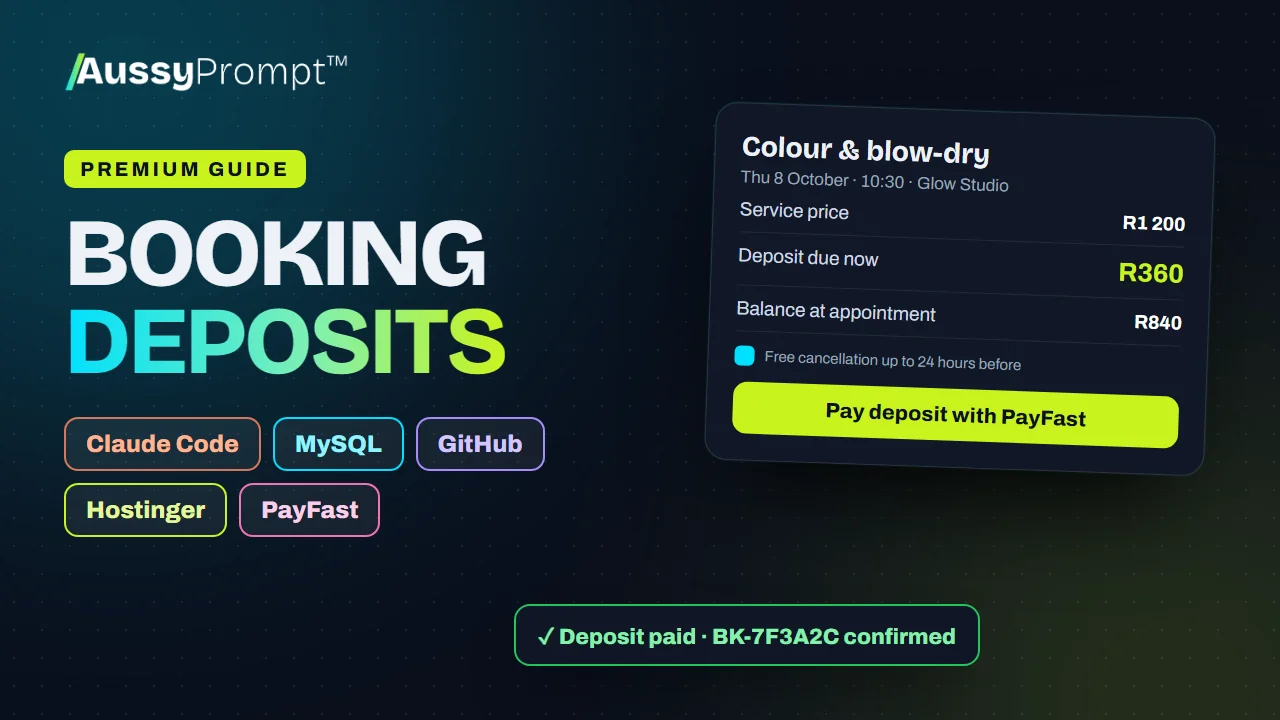
Add PayFast deposits to the booking website you built with Claude Code: deposit rules per service, slots held while customers pay, bookings confirmed by verified payments, a fair cancellation policy, and a safe test mode before customers see it.
For solopreneurs, freelancers, developers and agencies: ONE with the Command Library and Playground, no courses. Training a team as well? Professional, Business and Enterprise include ONE plus every course.
ONE Solo
R499/month
AussyPrompt ONE for solopreneurs
ONE Pro
R1 299/month
For freelancers and developers building for clients
ONE Agency
R3 499/month
For agencies: one shared workspace for your team
ONE Free
Try ONE on your own idea, free
Create one project and read the whole blueprint ONE writes for it: the roles, tables, screens, automations and KPIs. You get 2 changes and don't need a card. Copying, downloads and the build pack for your tools come with a paid plan, and you can upgrade any time.
1 project on your own idea
The full blueprint, to read in ONE
2 blueprint changes
No card needed
Sign up, confirm your email and tell ONE about your idea. Your workspace opens straight after.
Connect ONE to Claude Code, Cursor, VS Code or Windsurf with one line. Your coding tool reads the blueprint and build pack straight from ONE, so it builds the tables, screens and rules you planned instead of guessing.
Gets the SQL, prompts and files from your build pack, one file at a time
Asks Build Doctor when something breaks, and gets the fix
Asks ONE for a blueprint change, then builds only what changed
X-rays an app into a brief, then starts a new project from it
An MCP server and a REST API, with keys you make and revoke in ONE
“Use AussyPrompt ONE: list my projects, open the salon booking app and build it from its blueprint.”
Questions
AussyPrompt ONE FAQ
Does AussyPrompt ONE build and host the app for me?
No. ONE builds the blueprint for your system and writes everything your tools need: the database, workflow files, build prompts in order and step-by-step guides. You build and run it in your own accounts with the tools you choose, such as Lovable, Cursor, Supabase, n8n or Zapier, so you own it and never depend on us to keep it running.
Will it really save me credits?
Most credits go on prompting again and again: fixing what the tool guessed, adding what it missed and undoing what broke. ONE gives your tool the whole plan up front, in the order it builds best, with your exact table and field names, so there is far less back-and-forth. How much you save depends on the tool and the project.
How does ONE check its own work?
Before you see a blueprint, ONE runs automatic checks (every screen belongs to a real role, every KPI uses a real field of the right type, every role has somewhere to work, the build pack files are valid) and reviews the blueprint against your brief. It fixes what it finds, keeps a fix only if it passes the checks, and shows you what it fixed and anything worth a look.
Is ONE an AI agent?
ONE itself isn't. It doesn't log into your tools or act on your behalf. It thinks the system through, checks its work and hands you a complete, readable plan and build pack. You stay in charge of what gets built and where. If you choose the AI Agent, ONE also writes a read-only assistant for your WhatsApp that answers questions from your own data, and you run it on your own accounts. If you would like us to set it up in your accounts, talk to us about Enterprise.
Which plans include ONE?
You can buy ONE on its own, without the courses: ONE Solo (1 project), ONE Pro (5 projects) and ONE Agency (10 projects, shared with 4 team members). The team training plans include it too: Professional 3 projects, Business 15 and Enterprise unlimited, shared with everyone on your team.
Can I try ONE for free?
Yes, with ONE Free. Choose ONE Free when you sign up, confirm your email and tell ONE about your idea, and your workspace opens. You can create one project, read the whole blueprint ONE writes for it and make 2 changes, with no card needed. Copying, downloads and the build pack come with a paid plan, and upgrading keeps your project.
What's the difference between ONE and the Premium Guides?
ONE builds a blueprint for your own system, whatever it is, for the tools you choose. A Premium Guide walks you through one common build, such as a booking website or an online store, with Claude Code, GitHub and Hostinger. Guides are sold separately from ONE plans: you buy a guide once and keep it for life, and if you're on ONE it opens inside your workspace.
Do I need to be technical?
No. Describe what you need in your own words, or say it out loud. ONE writes the blueprint in plain language, and every file comes with step-by-step instructions and a launch checklist. Level 5 (AI-Assisted App Building) and Level 6 (AI Agents & Automation) in the Academy teach these tools if you want to go further.
Can ONE copy an app I like?
ONE won't copy another business's app, but it can X-ray it. Show ONE the website or screenshots and it describes what the app does in plain words, then writes a brief for your own version, with your name, your content and your rules. It leaves out their brand, text and content on purpose and tells you what it left out. If the app is yours, upload its code as a .zip and ONE keeps your own table and screen names. You check the brief before ONE builds the blueprint.
Can I change the blueprint?
Yes. Tell ONE what to change in your own words, edit it directly, or restore an earlier version. ONE checks every change too. The build pack updates instantly, and you can switch tools at any time.
What about our data and passwords?
ONE never asks for your passwords or API keys and never puts them in the files. Credentials stay in each tool's own secure store. Every pack includes row-level security and a POPIA note on the personal information the system stores.
Prompt once. Build it this week.
Describe your first app, automation or dashboard, let ONE build and check the blueprint, and hand your tools a build pack they understand.